
Website visit analytics
Visits → Analytics shows your website traffic as charts and breakdowns. Use it to see how many visits you get, where they come from and which pages people read.
Pick a date range and audience
Go to Visits → Analytics.
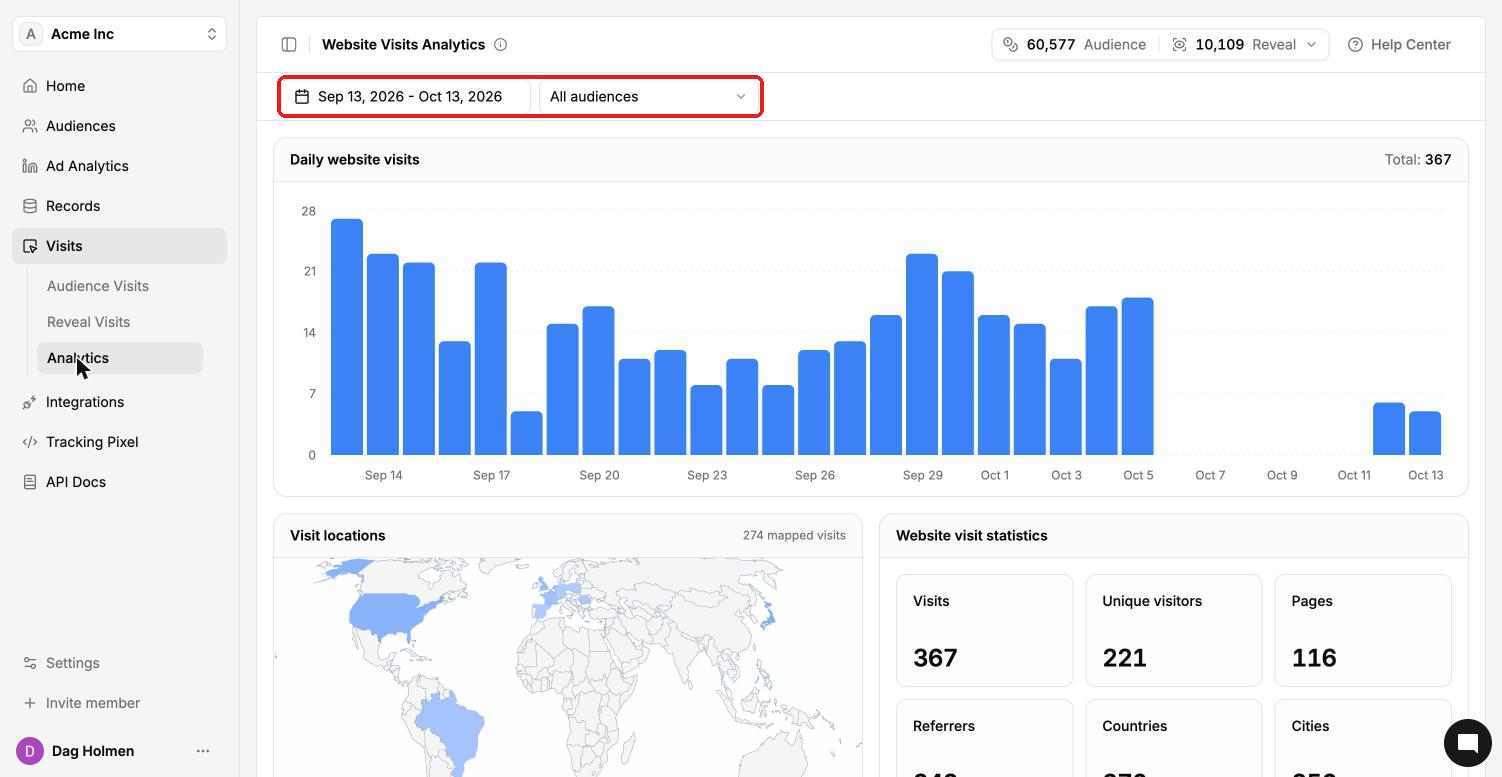
Click the date range at the top left to change the period.
Use the audience dropdown (All audiences by default) to look at visits from one audience only.
What you see
Daily website visits: a bar chart with one bar per day and the total for the period.
Visit locations: a world map of where visits came from.
Website visit statistics: visits, unique visitors, pages, referrers, countries and cities.
Breakdowns of visited pages, referrers, countries, cities, regions, operating systems and browsers.
The Website visits tab on Home
Home → Website visits gives a quick view of the last 30 days. It shows visits, unique visitors, matched people and matched companies, plus a list of website visitors, top channels and referrals, top visited pages and a visit locations map.
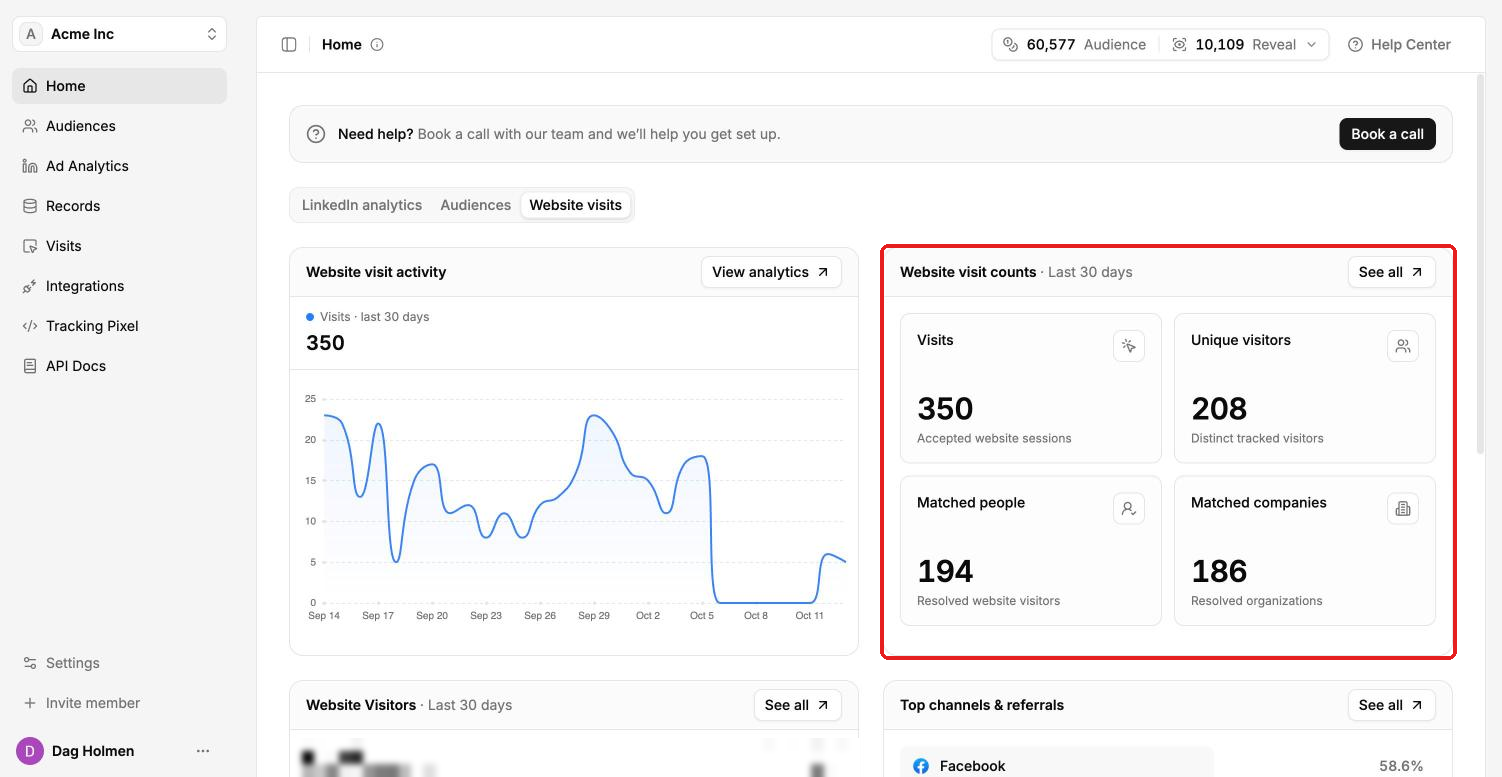
Click View analytics to jump to the full Analytics page, or See all on a card for the complete list.