
Agencies: managing clients with sub-organizations
Sub-organizations give each of your clients their own ContactLevel account under your agency. You manage them all from one place and move credits between them.
Get access
Sub-organizations are for approved agencies. To get access, message the ContactLevel team through the chat bubble in the bottom right of the app.
Once approved, you'll see Agency Settings → Sub Organizations in Settings.
Create a sub-organization
Go to Settings → Sub Organizations.
Click Create Sub-Organization.
Set it up for one client.
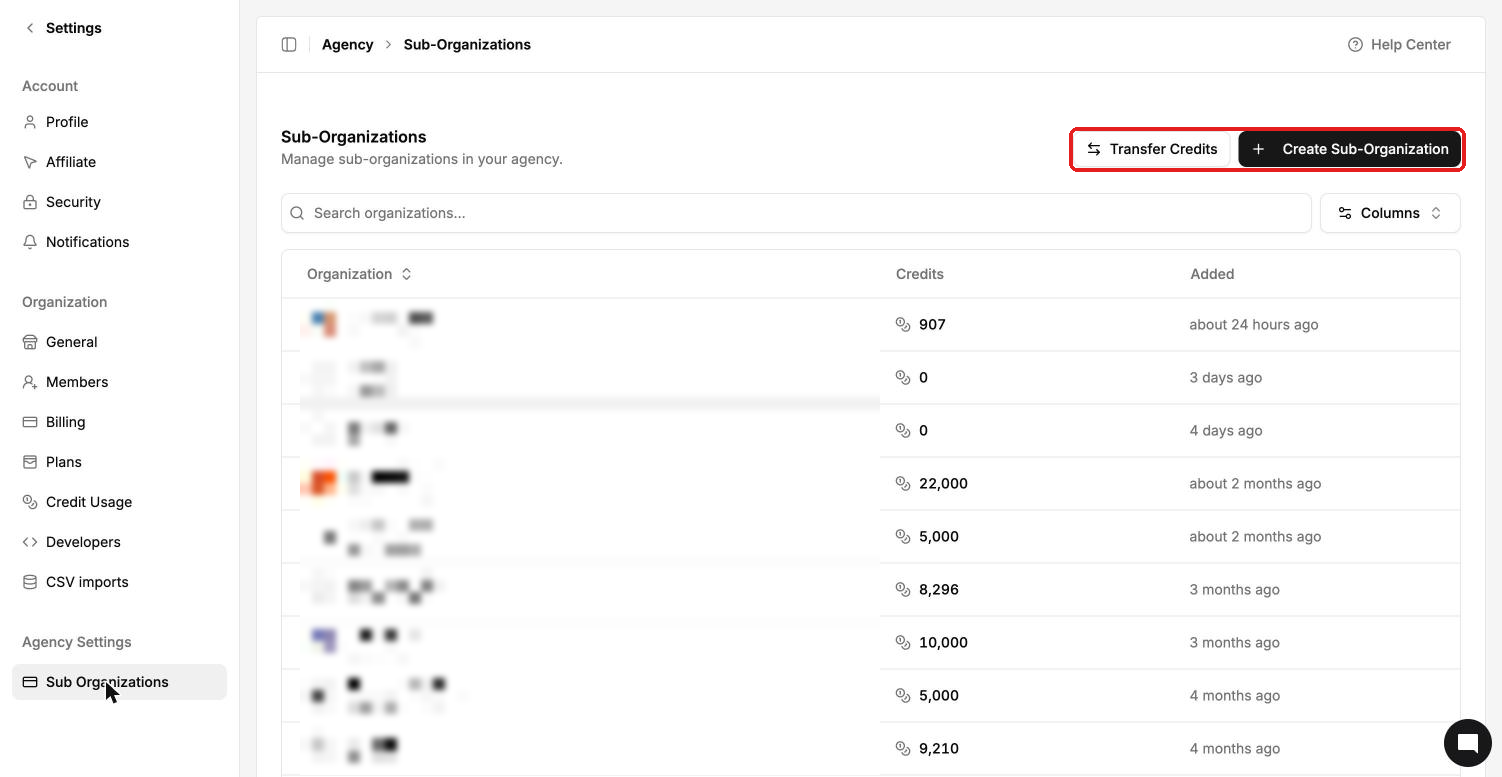
The list shows each sub-organization with its credit balance and when it was added. Use the search box to find a client.
How sub-organizations are separated
Each sub-organization is a fully separate account.
Its members can't see the parent organization, its settings or its integrations.
A client you give access to a sub-organization can't see your agency's account or other clients.
Each sub-organization connects its own ad accounts.
To give a client access, open their sub-organization and invite them as a member.