
Inviting teammates and roles
Invite colleagues to your organization so they can build audiences, check reports and manage integrations with you.
Invite a teammate
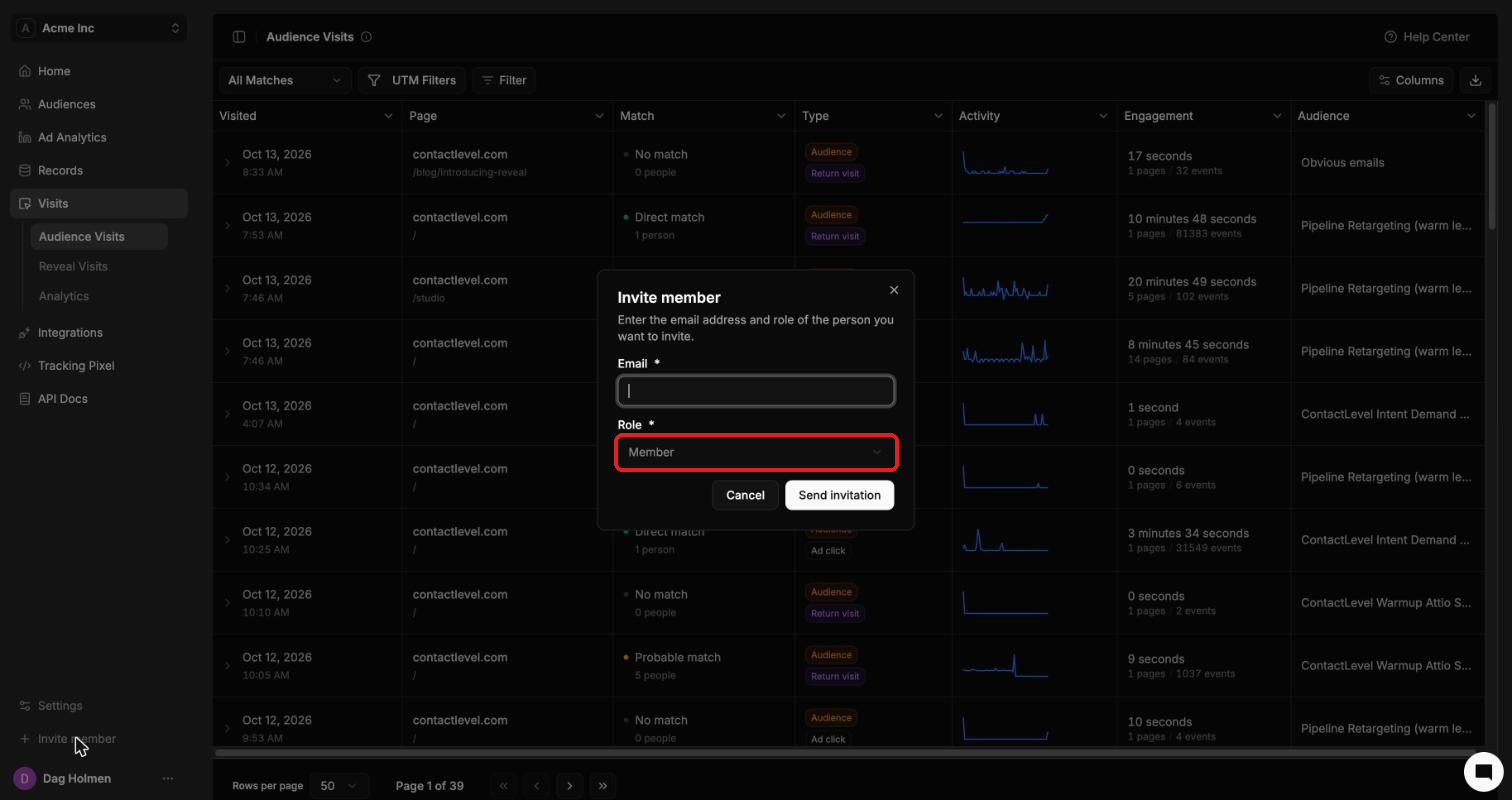
Click Invite member at the bottom of the left sidebar. You can also go to Settings → Members and click Invite member.
Enter their Email.
Pick a Role.
Click Send invitation.
Roles
Member can do everything except assign admins and delete the organization.
Admin can do everything.
Owner is an admin who owns the organization. Other admins can't remove the owner.
Manage your team and invitations
Go to Settings → Members. The Team section lists everyone in the organization with their role. Use the search box to filter by name or email, and the row menu to manage a person.
The Invitations section lists people who haven't accepted yet. Switch between Pending and Revoked, and use the row menu to manage an invitation.