
Importing contacts from Apollo.io
If you already build lists in Apollo, you can search those contacts from inside ContactLevel and add them to an audience. No CSV export needed.
Connect Apollo
Apollo connects with your Apollo API key, which you create in your Apollo account. Have it ready before you open the Apollo.io source the first time. If you get stuck connecting, message us in the in-app chat.
Search and add contacts
Open the audience and click Add Contacts.
Click Open on Apollo.io, or click the Apollo.io tab at the top of the search screen.
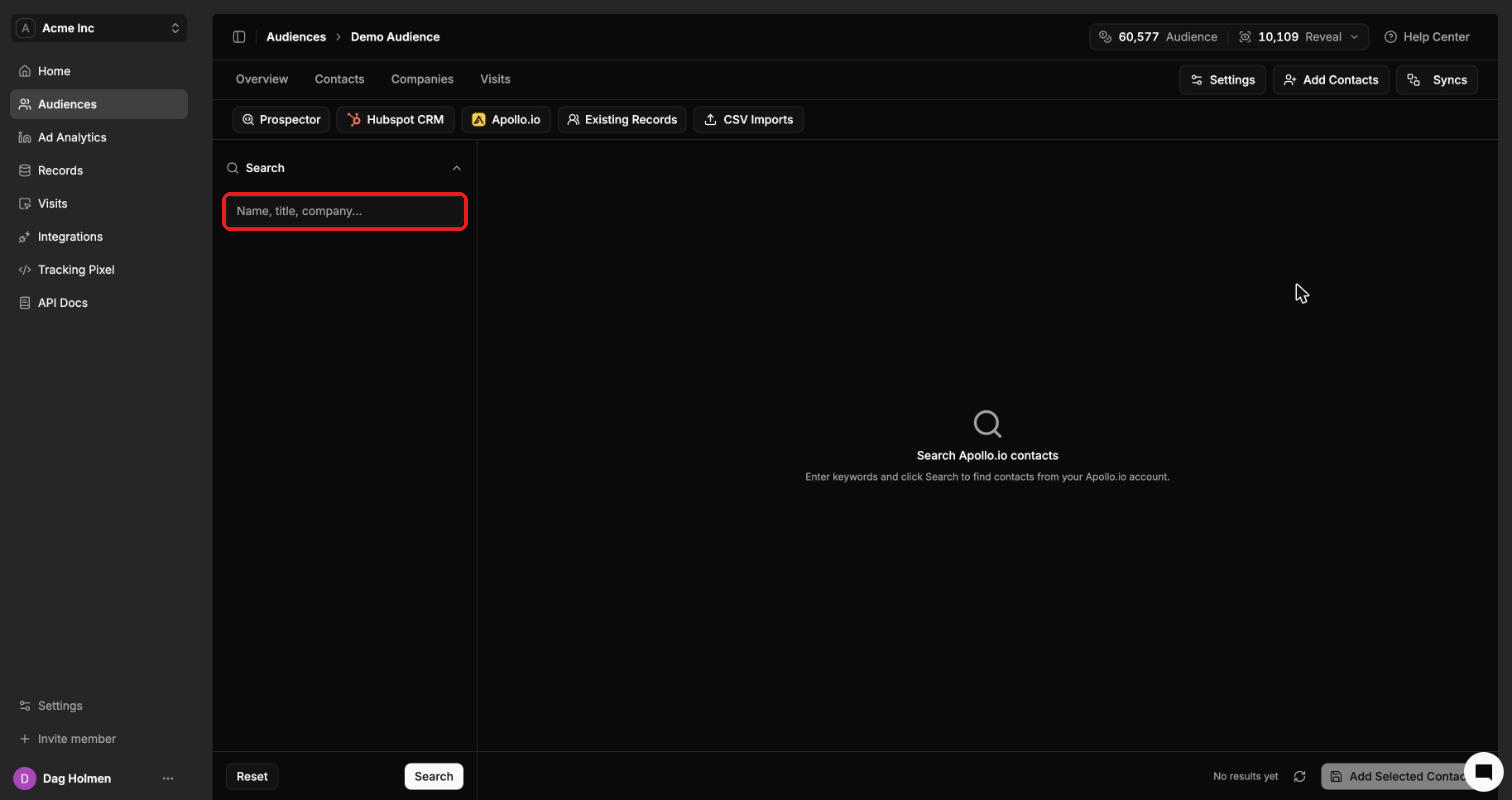
Type a name, title or company in the search box.
Click Search.
Select the contacts you want and click Add Selected Contacts.
Click Reset to clear the search and start over.
Credits
Searching Apollo is free. Each new contact you add costs 1 Audience credit. If the contact already exists in your ContactLevel account, the credit is refunded right away.
After you add them, contacts are enriched with advertising data like any other import. Check the audience's Overview tab to see how strong the data is.